
hCaptcha is available in Quform 2.17.0 or later.
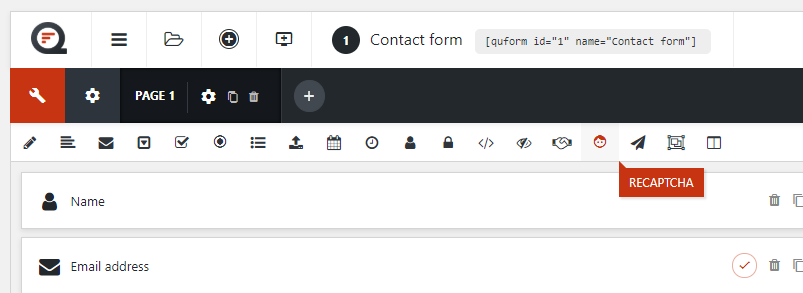
Add a reCAPTCHA element to the form.
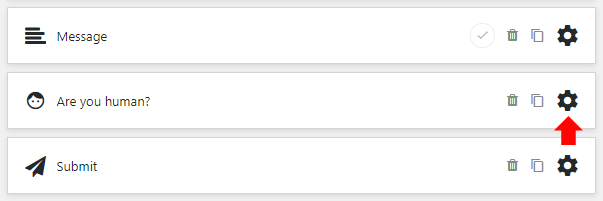
Go to the settings for it.
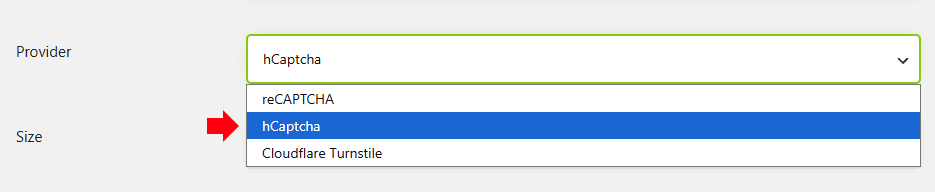
At the Provider option, choose hCaptcha.
Configure the other settings if desired, then save the element settings and save the form.
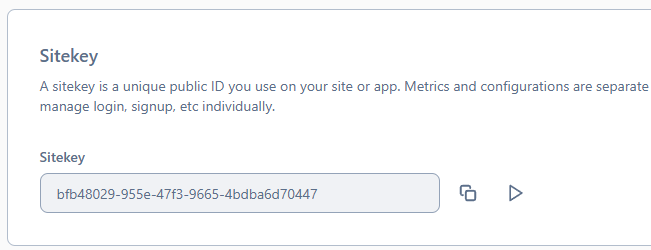
To get your API keys, create an account or sign in to the hCaptcha dashboard. Get your website’s Site key from Sites.
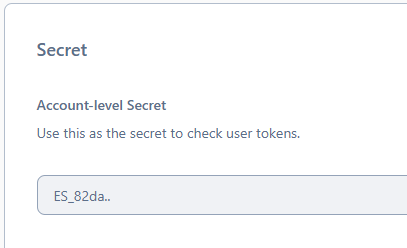
Get your account’s Secret key from Settings.
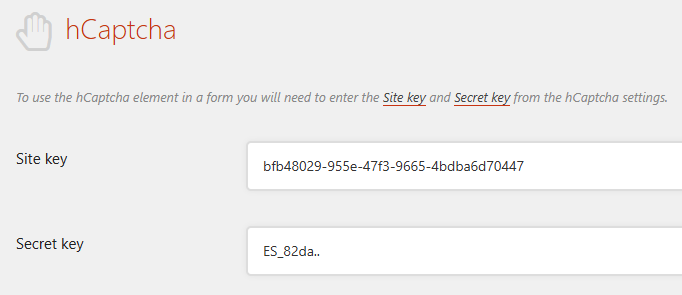
Once you have the keys, go to the Forms → Settings → reCAPTCHA page. Under hCaptcha, paste them into the Site key and Secret key fields, then save the settings.
Open the page containing your form, complete the hCaptcha challenge, and submit a test entry to check that it is working.